Webflow developer — Mohali, India
Pixel-perfect Webflow, in motion.
I'm Pankaj Kumar, a Webflow developer building for SaaS, B2B brands and agencies since 2019. Figma to Webflow, SEO-safe migrations, scalable CMS and clean interactions — all built by me, start to finish.

About
"Passion sets the ceiling for how good the work can get."
— the line I actually build by, not just say.
I started as a web designer and Webflow developer at APPWRK IT Solutions in 2019, and I've been freelancing full-time since 2022. Today I work directly with SaaS and B2B companies, and as a white-label developer for agencies — new builds, CMS templates, maintenance retainers and SEO fixes, slotted into their review process.
Most of my work sits at the intersection of design and motion: subtle hover states, scroll-triggered reveals, and the kind of detailing that makes a site feel considered rather than assembled. When Webflow's native toolkit hits a wall, I write the custom code to get past it.
Jan 2022 — Present
Freelance Webflow Developer
Webflow builds, migrations and CMS for SaaS, B2B, fintech and real-estate clients. White-label development, retainer maintenance and technical SEO for agencies. HubSpot CMS work including HubDB and blog.
Sep 2019 — Jan 2022
Web Designer & Webflow Developer
APPWRK IT Solutions, Mohali
Designed and developed client websites in Webflow, from Figma handoff to launch.
Expertise
Where I actually add value
Six areas I get pulled into on almost every project — for direct clients and agency teams alike.
Webflow CMS architecture
Collections planned around your real content model — reference fields, CMS filtering, and Finsweet attributes — so your team can publish without ever opening the Designer.
Technical SEO & speed
Meta titles and descriptions, schema, crawl and indexing fixes, and AI-search readiness — plus WebP assets and lazy loading tuned for Core Web Vitals on real devices.
Interactions & Lottie
Webflow Interactions, GSAP, and Lottie files — scroll-triggered reveals, hover states, and hero moments like the ones running on this page.
Integrations, HubSpot & custom code
Forms and CRMs wired up properly — HubSpot, Zapier, Make, ActiveCampaign — with GA4/GTM tracking. HubSpot CMS work too (HubDB, blog, publishing), and custom JavaScript where native tools stop.
Figma to Webflow, to the pixel
Built on Finsweet Client-First, exactly as designed — responsive on every breakpoint, with reusable components that keep the build consistent and easy for any developer or agency to pick up.
Migration to Webflow
Moving from WordPress, Wix, Squarespace, or Framer? I migrate your content, design, and SEO structure into Webflow — redirects, meta data, and CMS collections included, so rankings don't get lost in the move.
Design-first
Where are you starting from?
Every project starts somewhere different. Pick your situation and see exactly how we'd get from where you are to a live Webflow site.
Theme & color suggestions
I put together 2–3 color and style directions suited to your brand and industry — so we agree on the feel before any screens exist.
AI-generated preview
I generate sample designs with AI tools like Claude and share a live preview link — open it on any device and react in minutes, not weeks.
Your final approval
You tell me what to keep, change, or drop. We iterate the preview until you sign off — nothing goes into development before then.
Built properly in Webflow
The approved concept becomes the real site — a clean Webflow build with CMS, responsiveness, and animation done right.
No designer? Not a blocker. You skip the cost and wait of a separate design agency — and still see exactly what you're getting before development starts.
Figma file review
I audit your file — breakpoints, components, states, missing screens — and flag gaps early, before they turn into mid-build delays.
Build plan & structure
Client-first class structure mapped to your design system — styles, components, and CMS collections planned before the first element is placed.
Pixel-perfect build
Rebuilt exactly as designed on every breakpoint, with interactions and animation matched to your spec — not approximated.
QA & handover
Side-by-side QA against the original file across devices, then a clean handover with an Editor walkthrough for your team.
Your designer stays in Figma. Your site launches in Webflow. Nothing gets lost between the two — that translation is exactly what I do.
Site & SEO audit
Full inventory of your current WordPress, Wix, Squarespace, or Framer site — pages, content, rankings, and every integration in use.
Content & CMS mapping
Every post, page, and asset mapped to Webflow CMS collections before the move — so nothing gets left behind or duplicated.
Rebuild & improve
Your site rebuilt in Webflow — same brand, faster load, cleaner structure. Also the perfect moment to fix what's been bugging you for years.
Redirects & safe launch
301 redirects, metadata and sitemaps handled at launch to reduce the risk of ranking changes.
The #1 migration fear is losing SEO. That's why redirects and meta data are part of the plan from day one — not an afterthought at launch.
Projects
Recent work
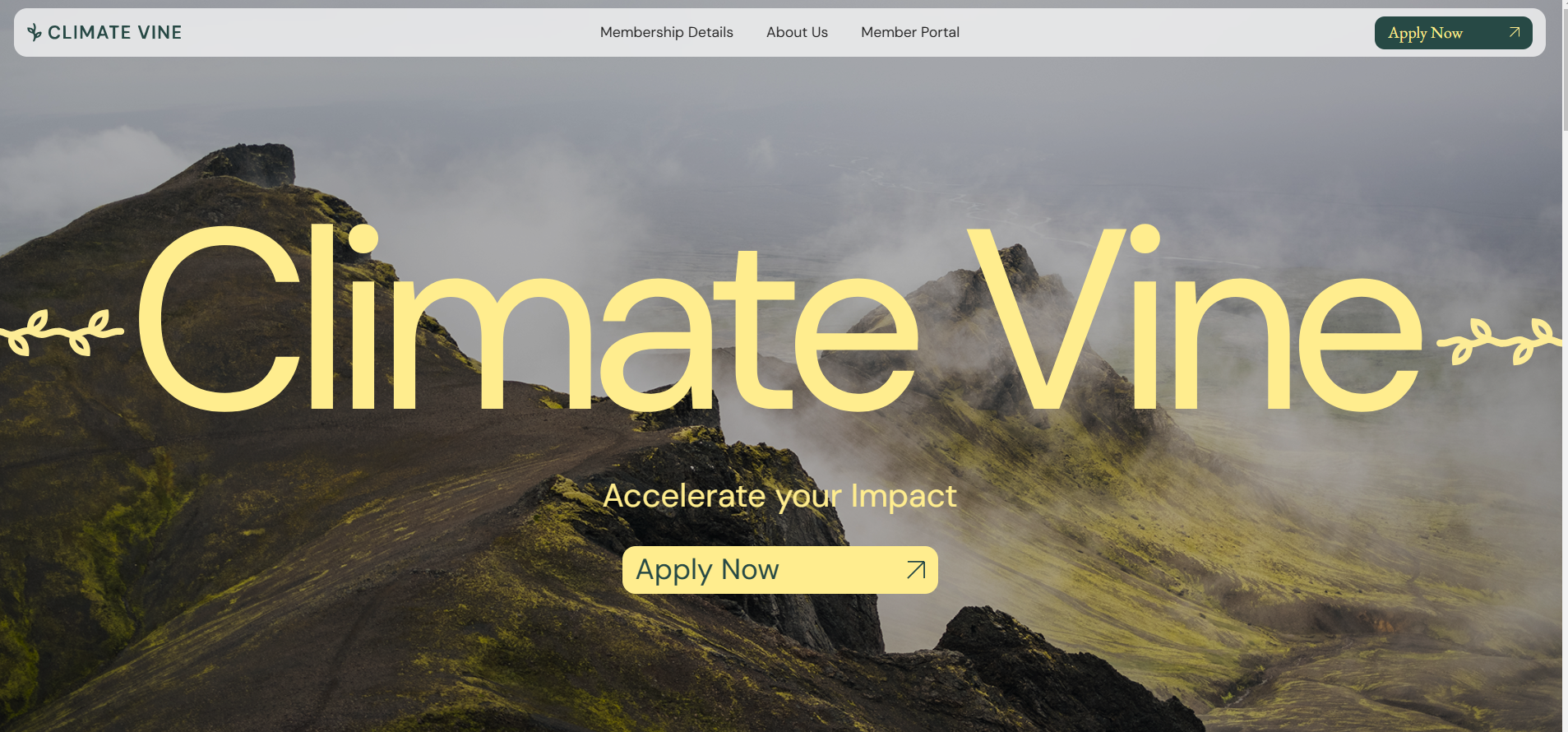
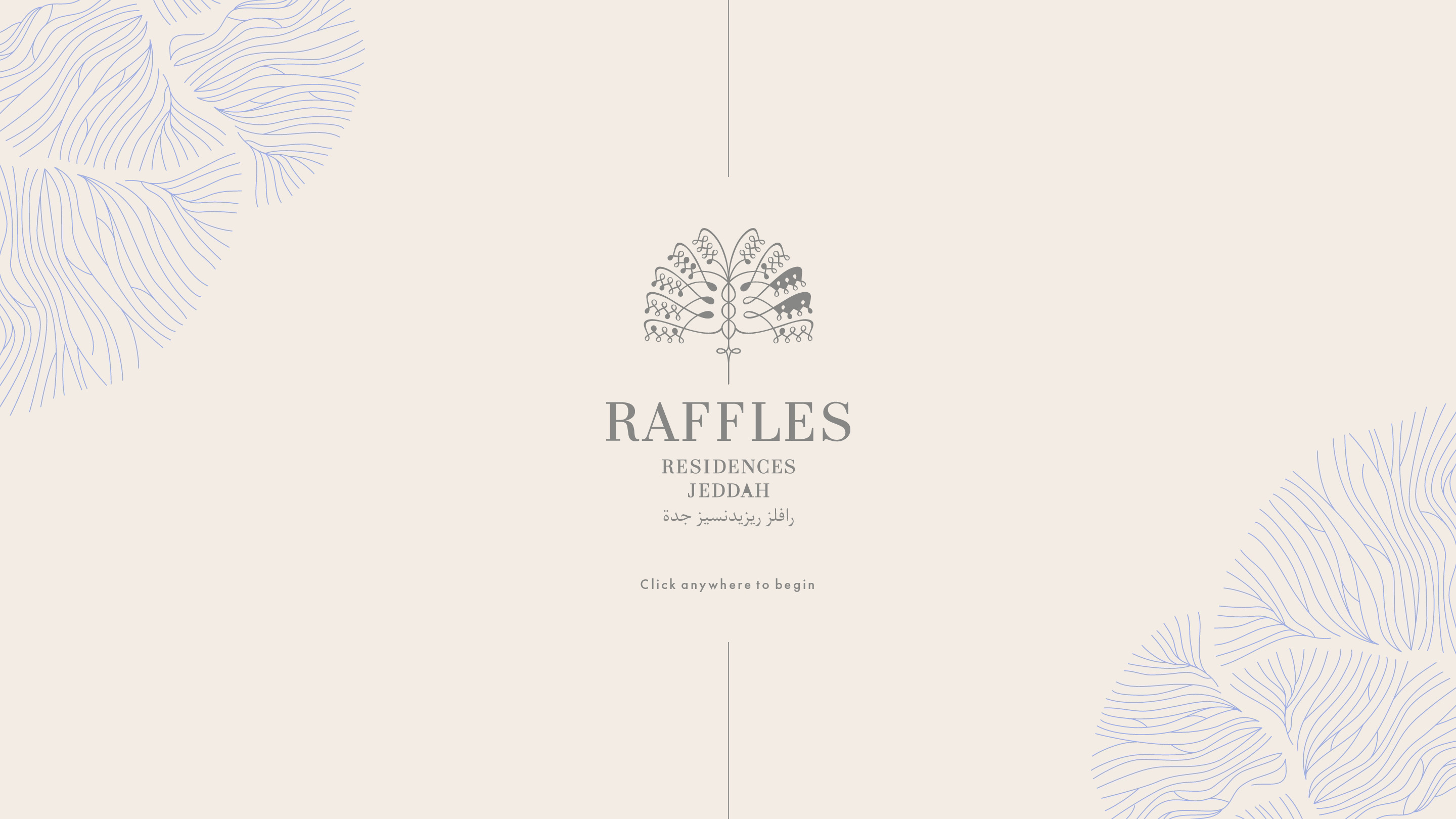
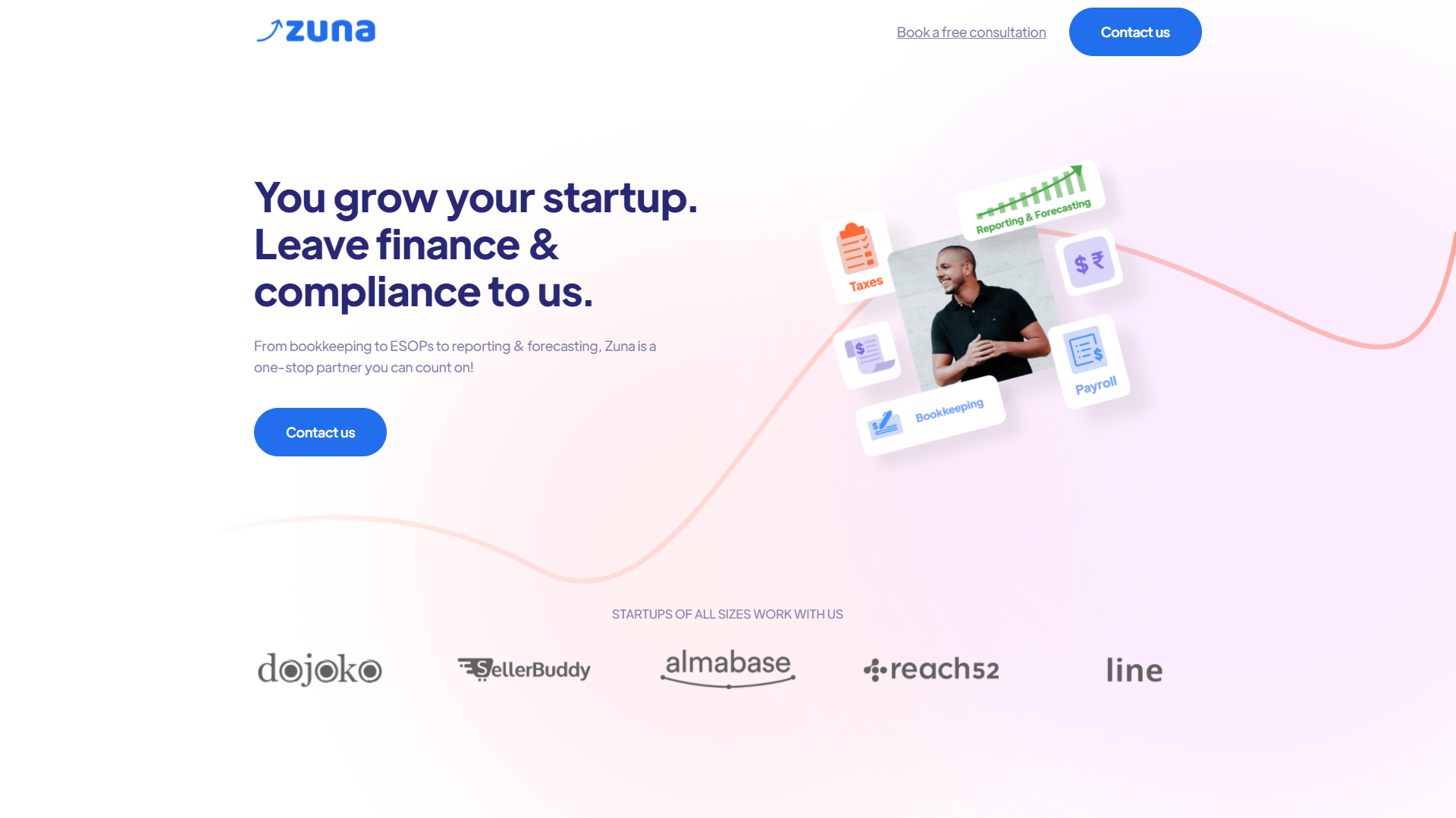
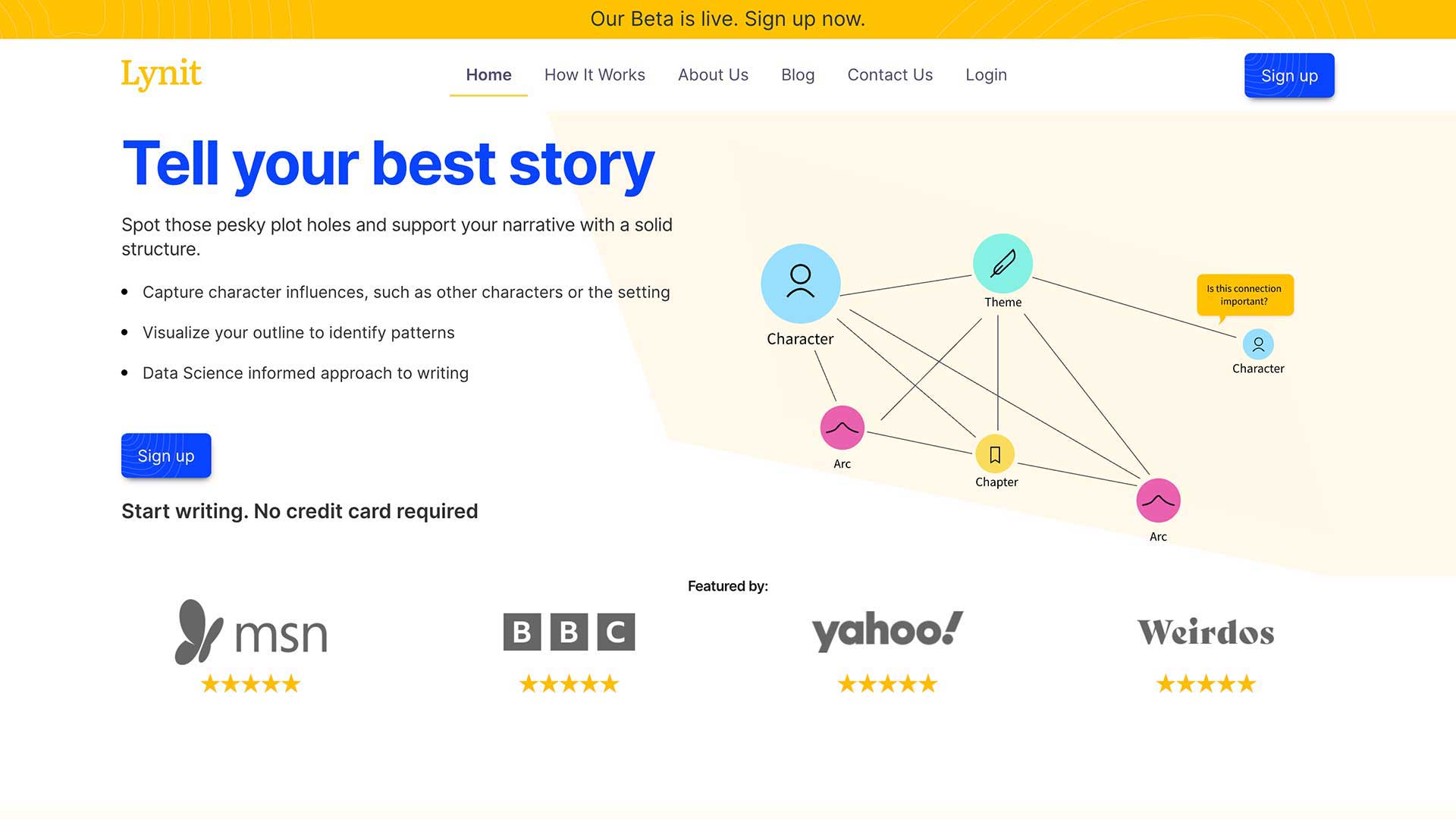
A selection of client builds — mostly Webflow, plus HubSpot CMS — spanning SaaS, fintech, hospitality, and education.

Process
How a project actually runs
Five stages, first call to ongoing support — each ends with something concrete: a decision, a document, or a sign-off.
Discovery to approved design
One free 30-minute call covers your goals, budget, and starting point — then a fixed-price scope in writing within 48 hours. From there we take your path to an approved design: AI-generated previews if you have none, a file audit if you have Figma, or a full site & SEO audit if you’re migrating.
You get: a signed scope + approved design & build planBuild in Webflow
Client-first class structure, CMS collections your team can actually manage, GSAP & Lottie interactions — and custom code where native tools stop. I do every build myself, no subcontractors, and you follow along on a shared staging link, never a black box.
You get: a live staging site you can click throughReview, QA & speed pass
You test the staging site and leave feedback in one place — one structured revision round is included. Then QA across real devices and browsers plus a performance pass: optimized images, lazy loading, and Core Web Vitals tuned before anything ships.
You get: final sign-off on a fast, tested siteLaunch & handover
DNS and hosting set up, 301 redirects and meta data preserved (critical if we migrated), sitemap submitted — then a proper handover: style-guide notes and a recorded walkthrough video so your team can publish without needing me.
You get: a live site your team can runAfter-launch support
Every project includes a 30-day support window for fixes and tweaks. After that, an optional monthly retainer covers new sections and landing pages, CMS updates, speed monitoring, and ongoing improvements as you grow.
You get: a partner, not a disappearing actClient feedback
What it's like to work together
Real reviews from Upwork clients — names and outcomes as published on the platform.
5.0
average rating · as published on Upwork
Upwork status
✦ Top Rated Plus
Job Success Score
100%
Clients worldwide
50+
Projects delivered
60+
FAQ
Questions clients actually ask
Straight answers on cost, timelines, migration safety, and what happens after launch.
Didn’t find your question? Ask me directly — I reply within 24 hours.
Most of my Webflow projects land between $1,000 and $5,000 depending on page count, CMS complexity, and animation work. Every project gets a fixed-price quote in writing within 48 hours of the discovery call — so there are no hourly-billing surprises.
A typical marketing site takes 2–4 weeks from approved design to launch. Larger CMS builds or migrations run 4–6 weeks. You follow progress on a shared staging link throughout, with one structured revision round before launch.
Every migration includes an SEO audit, content mapping, redirects, preserved metadata and a resubmitted sitemap to reduce the risk of ranking changes. Search rankings cannot be guaranteed.
Yes. If you have no design, I generate concepts with AI tools and share a live preview link you can review in minutes. We iterate until you approve, then I build it properly in Webflow. Already have a Figma file? I build from that.
Yes. I structure the Webflow CMS so your team can publish blog posts, projects, and page updates from the Webflow Editor — without touching the Designer. Handover includes style-guide notes and an Editor walkthrough.
Yes. Every project includes a 30-day post-launch support window for fixes and tweaks. After that, an optional monthly retainer covers new landing pages, CMS updates, speed monitoring, and ongoing improvements.
Yes. I work inside your process — your ClickUp or ticket board, your review stages — on new builds, CMS templates, maintenance tickets and SEO fixes. Your client never sees me, and I do all the work myself.
Get in touch
Let's build something that actually moves.
Tell me where you're starting from — no design, a Figma file, or a site to migrate — and I'll tell you exactly how we'd get it live.
Prefer email or WhatsApp? Message me directly — it comes straight to me.